PingHarbor OpenClaw Skill: Monitor Your Sites with AI Agents
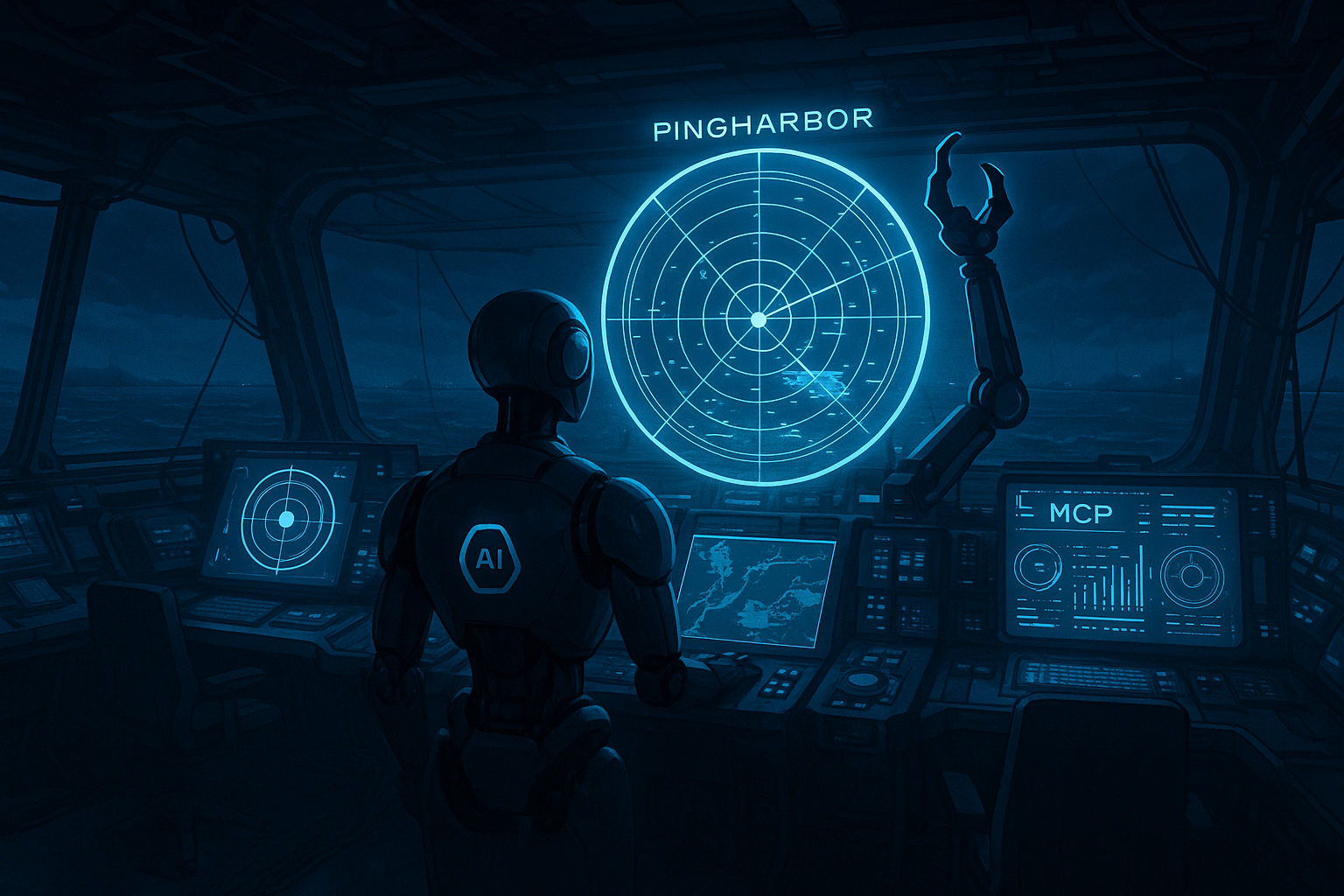
AI agents are great at triage, but only if they can interrogate the same telemetry your team trusts. The PingHarbor OpenClaw skill gives every agent the keys to your uptime data.
Why connect PingHarbor to OpenClaw
Let agents answer “is anything down?” without you opening the dashboard.
Automate rote tasks like creating monitors after deploys or pulling SLA reports for QBR decks.
Keep incident context in one place by letting agents read monitor history before escalating.
Installation checklist
Install the skill: run `clawhub install pingharbor`.
Generate an API key in PingHarbor → Administration → API Keys.
Add the key to ~/.openclaw/openclaw.json under skills.entries.pingharbor (env or apiKey works).
Ask your agent to `list_monitors` to confirm credentials before wiring automations.
Configuration snippet
{
  "skills": {
    "entries": {
      "pingharbor": {
        "enabled": true,
        "env": {
          "PINGHARBOR_API_KEY": "ph_your_api_key"
        }
      }
    }
  }
}
Skill tools at your disposal
list_monitors — snapshot uptime, regions, and response times across every site.
get_incidents — pull annotated downtime history for retros and customer updates.
create_monitor — provision checks as part of CI/CD or runbook automations.
get_monitor_report — fetch SLA and latency stats you can paste into status updates.
Automation scenarios
Ops copilot that checks PingHarbor before paging the on-call engineer.
Deployment bot that spins up monitors for new microservices and posts the URLs in Slack.
Weekly business review packager that exports SLA charts plus incident summaries on demand.
Security & guardrails
Store the API key inside skills.entries.pingharbor and scope it to a least-privilege PingHarbor user. OpenClaw does not expose the key in chats, and you can revoke it instantly from the dashboard if a laptop is lost.
What to build next
Connect PingHarbor to OpenClaw today, then ask your AI agent to triage incidents, open tickets, and create monitors before humans even join the bridge call.