Website Monitoring for Indie SaaS Founders: What to Track Before Your First 100 Customers
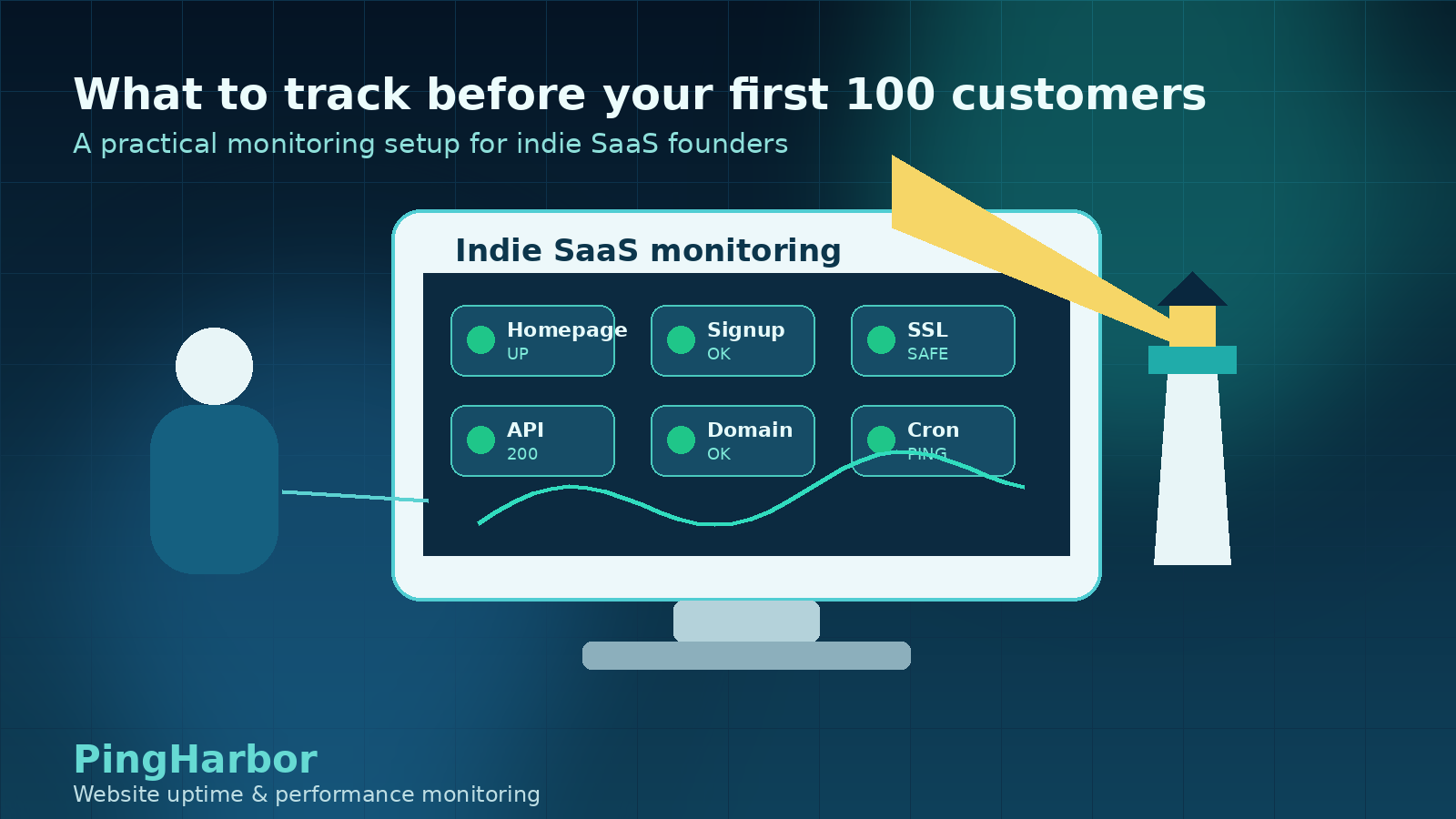
Before your first 100 customers, monitoring can feel like something you will set up later.
You are still building features. You are still finding positioning. You may not have paid users yet. A full observability stack sounds like overkill.
That instinct is partly right. An indie SaaS founder does not need a complex enterprise monitoring setup on day one.
But you do need to know when the few things that matter most are broken.
Early users are fragile. They do not have a long history with your product. If your homepage is down, signup fails, SSL expires, or your first onboarding email never triggers, most people will not open a support ticket. They will simply leave.
This guide gives indie SaaS founders a practical monitoring setup for the stage before your first 100 customers: simple enough to maintain alone, but strong enough to protect trust while you learn.
The founder-friendly monitoring principle
At this stage, monitoring should answer one question:
Can a new user discover, sign up for, and start trusting the product right now?
That means your first monitoring setup should focus less on internal system completeness and more on user-facing reliability.
You are not trying to monitor every process, queue, worker, container, database metric, and edge case. You are trying to catch the problems that stop learning, activation, and trust.
Start with the user journey.
1. Monitor your homepage
Your homepage is the front door of the product.
For many indie founders, it is also the page linked from Product Hunt, X, Reddit, Hacker News, newsletters, directories, and early customer conversations.
If the homepage is unavailable or slow, people may never know the product exists.
Monitor:
the main marketing domain,
the homepage status code,
response time,
obvious downtime,
regional availability if your audience is international.
Do not wait until you have a large audience. The smaller your audience is, the more every visitor matters.
Practical setup: create your first uptime monitor for the homepage and make sure alerts go somewhere you will actually notice.
2. Monitor signup and login
A SaaS product can look healthy from the outside while the actual product is unusable.
The homepage may load, but signup can still fail because of:
auth provider issues,
broken API routes,
failed database migrations,
environment variable mistakes,
billing or checkout problems,
frontend/backend version mismatches.
For an indie SaaS, signup is one of the most important paths to monitor because it directly affects learning. Every failed signup is a lost chance to understand who wants the product.
Monitor:
signup page,
login page,
auth callback route if relevant,
checkout or upgrade route if paid plans exist,
app dashboard route if you can safely check it.
You do not need deep synthetic user journeys immediately. Start with the URLs that represent whether a user can begin.
Practical setup: monitor your signup URL separately from the homepage. A green homepage does not prove signup works.
3. Monitor your most important API or health endpoint
If your product has an API, app backend, or serverless functions, one lightweight health endpoint can help you catch problems faster.
A useful health endpoint should answer something simple:
Is the app backend reachable?
Can the app talk to required dependencies?
Is the route returning quickly?
Is the response valid?
Avoid turning your first health check into a complicated internal dashboard. The goal is not perfection. The goal is to detect obvious breakage before a user reports it.
Good early checks include:
/api/health,/status,a lightweight public endpoint,
a read-only route that proves the app backend is alive.
Practical setup: create one endpoint monitor for the backend path most closely tied to activation.
4. Track response time, not only uptime
Uptime alone can lie.
A page that takes 12 seconds to load is technically up, but many visitors will treat it as broken. This matters especially for founders getting traffic spikes from launches, newsletters, or community posts.
Watch response time for:
homepage,
signup page,
key API endpoint,
pricing page,
app entry point.
You are looking for patterns, not perfect numbers:
sudden spikes after deployment,
one route consistently slower than others,
timeouts from one region,
slow pages during launch traffic,
performance regressions after adding analytics, scripts, or new UI.
Practical setup: choose a response time threshold that would make you personally worried as a user. Review it after real traffic arrives.
5. Monitor SSL certificate expiry
SSL certificate expiry is one of the easiest outages to prevent.
It is also one of the fastest ways to destroy trust. A browser warning makes your product feel unsafe, even if the app itself is fine.
Monitor SSL certificates for:
marketing domain,
app subdomain,
API subdomain,
docs domain,
status page domain,
any custom domain used in campaigns.
This is especially important if you use multiple hosting providers or have moved quickly between platforms while building.
Practical setup: set SSL expiry alerts early enough that you can fix renewal problems before they become urgent.
6. Monitor domain expiry
Domain expiry is easy to forget because it happens outside your app.
But if the domain expires, the impact can reach everything:
website,
app,
email,
API clients,
auth callbacks,
webhooks,
customer trust.
Indie founders often manage several domains across side projects, landing pages, experiments, and old products. That makes domain expiry monitoring more useful than it sounds.
Practical setup: monitor domain expiry for your primary domain and any launch-critical domains.
7. Monitor scheduled jobs with heartbeat checks
Not every important failure is visible from the outside.
Some of the most painful early SaaS bugs are silent background failures:
nightly billing sync stops,
daily digest emails do not send,
database backups fail,
webhooks stop processing,
trial expiration jobs do not run,
usage counters stop updating.
Heartbeat monitoring catches this class of problem by expecting a scheduled job to check in. If the check-in does not arrive, the monitor alerts you.
You may not need heartbeat checks on day one, but they become valuable as soon as background jobs affect users or revenue.
Practical setup: start with one heartbeat for the most important scheduled job you would be embarrassed to miss.
8. Send alerts to a channel you will actually notice
The best monitoring setup is useless if alerts go nowhere useful.
For solo founders, alert routing should be brutally practical. Use the channel you will see quickly:
email if you live in email,
SMS for urgent production failures,
Slack or Discord if that is your operational hub,
webhook if you already automate incident workflows.
Do not create five alert channels just because a tool supports them. More channels can create more noise.
Start with one reliable channel. Add more when the product or team needs it.
Practical setup: send a test alert and confirm you notice it quickly. If you miss the test alert, the channel is wrong.
9. Keep a tiny incident log
Before your first 100 customers, a formal incident process may feel heavy.
But a tiny incident log is worth it.
When something breaks, write down:
what happened,
when you noticed,
who was affected,
what fixed it,
whether monitoring caught it,
what you should change.
This creates a feedback loop. Each small incident teaches you what to monitor next.
It also helps you see patterns: recurring deploy issues, fragile providers, slow pages, noisy alerts, missing alerts, or confusing customer-facing communication.
Practical setup: keep a simple incident note in your docs, Notion, Linear issue, GitHub issue, or wherever you already work.
What not to monitor yet
Early-stage monitoring should be useful, not performative.
You probably do not need to start with:
dozens of dashboards nobody checks,
alerting on every minor latency change,
complex SLO reporting,
every container or infrastructure metric,
multi-page synthetic flows for every feature,
alert channels for low-priority events.
Those may matter later. But before your first 100 customers, too much monitoring can create noise and maintenance work.
The better question is:
What failure would stop a new user from signing up, trusting, or activating?
Monitor that first.
A simple monitoring checklist for indie SaaS founders
Start here:
Homepage uptime monitor.
Signup page monitor.
Login or auth route monitor.
Key API or health endpoint monitor.
Response time tracking for critical pages.
SSL certificate expiry monitor.
Domain expiry monitor.
One alert channel tested end to end.
One heartbeat monitor for your most important scheduled job, if applicable.
Tiny incident log template.
This is enough to catch many early reliability problems without turning monitoring into another product you have to maintain.
Where PingHarbor fits
PingHarbor is built for this practical stage of SaaS monitoring.
You can start free with your most important website monitor, then add more endpoints and faster checks as your product grows. When you need more coverage, the Standard plan adds more monitors, one-minute checks, SMS notifications, advanced analytics, and a custom status page.
For an indie founder, the goal is not to build a perfect reliability program on day one.
The goal is simpler:
know when your product is unavailable,
know when signup is broken,
know when SSL or domain expiry is becoming a risk,
know when scheduled jobs silently fail,
and learn from each incident before the next wave of users arrives.
Start monitoring your most important SaaS page for free with PingHarbor: https://pingharbor.com/auth?tab=signup